
A power supply that reads 0 V at its output can fail in several very different ways. One unit may be completely silent because its PWM controller never receives startup power. Another may produce a brief pulse and shut down because the auxiliary winding cannot sustain controller VCC. A third may be healthy but connected to a shorted load.
The fastest diagnosis does not start with replacing parts. It starts by classifying the startup behavior and following the energy path: input, rectified DC bus, controller bias, gate drive, transformer, secondary rectification, feedback, protection, and load. Each measurement should answer one question before the next probe is placed.
This guide focuses on offline flyback supplies because they are common in industrial controls, LED equipment, instruments, and embedded machines. The same measurement logic also helps with forward and other isolated converter topologies, although pin names and expected waveforms will differ.
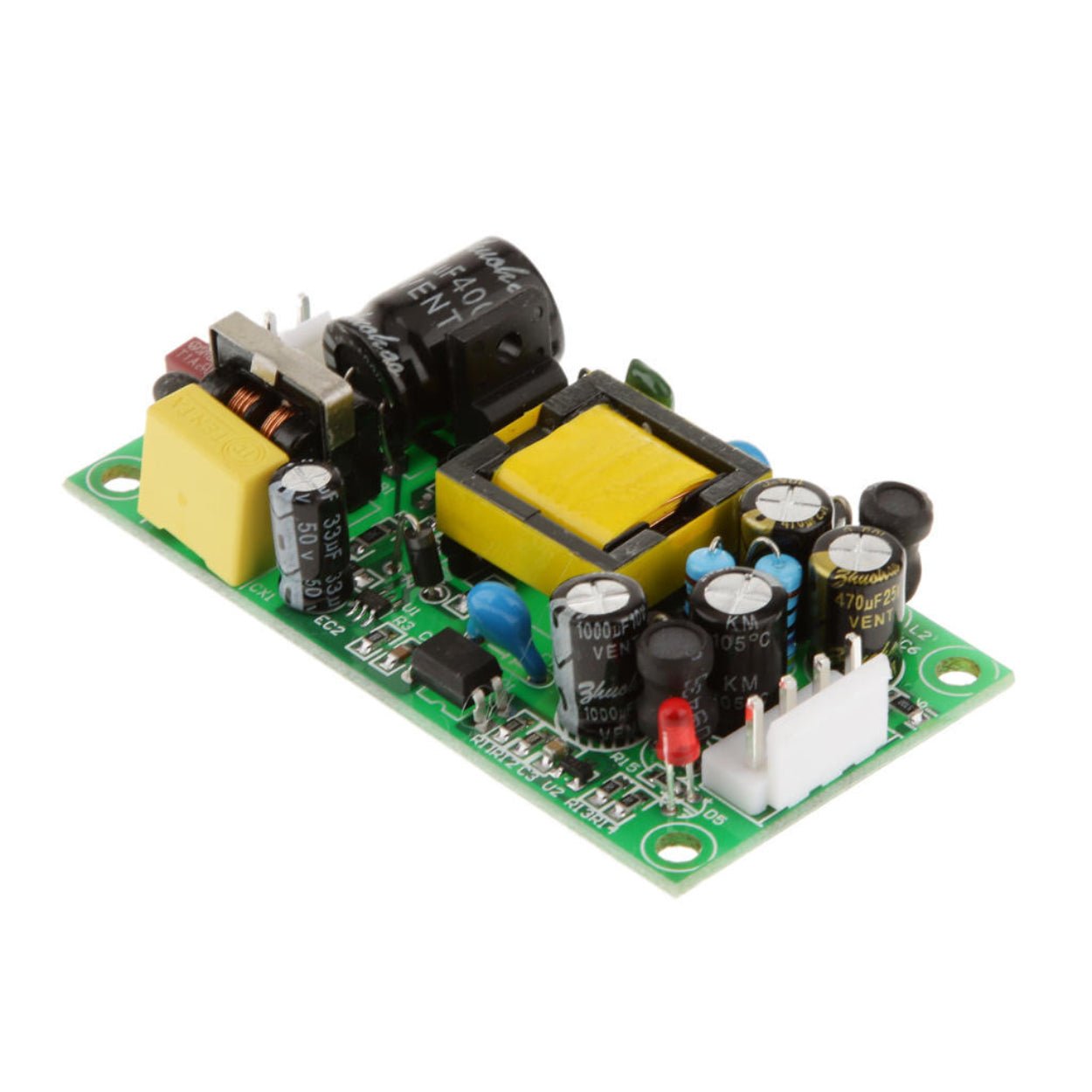
First classify what “no output” means
Observe the unit at a safe distance during current-limited startup. Sound, input current, indicator behavior, and a momentary output reading can separate four useful fault classes.
| Startup behavior | What it usually indicates | First checks |
|---|---|---|
| No sound, no indicator, steady 0 V output | No rectified bus, open startup path, missing controller VCC, disabled controller | Fuse and input continuity, bulk DC bus, controller VCC |
| Fuse opens immediately or the limiter lamp stays bright | Hard short in the input bridge, bulk capacitor, primary MOSFET, or primary winding | De-energized resistance checks before any further powered test |
| Output pulses or clicks repeatedly | UVLO restart, overload, output short, current-limit event, or unstable bias supply | VCC waveform, output resistance, current-sense signal, auxiliary supply |
| Output appears briefly and collapses | Bias handoff failure, feedback fault, OVP/UVP event, or load-induced shutdown | VCC during startup, feedback path, protection pins, test without the load |
These are starting probabilities, not verdicts. A failed secondary rectifier can look like an overload. A dried-out VCC capacitor can imitate a bad controller. The next measurement must confirm the suspected stage.
Prepare a controlled test setup
Before powering the board, record its rated input and output, wiring polarity, load condition, and any recent changes. A repaired supply should not be tested for the first time on a valuable machine.
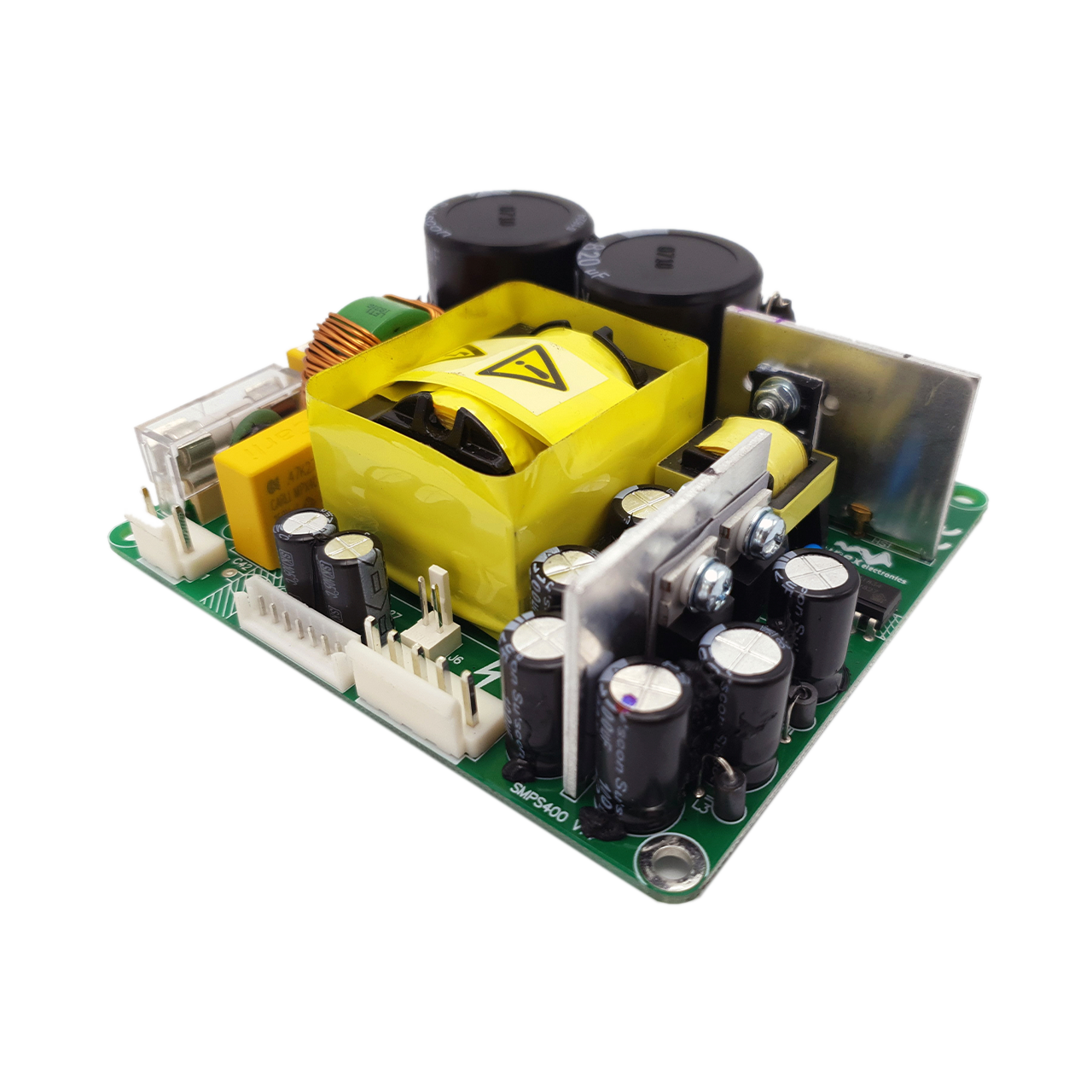
Disconnect input power, discharge the bulk capacitor with a suitable resistor, and verify the remaining voltage with a meter. Inspect both sides of the PCB under good light. Look for cracked solder around transformers and high-wattage resistors, browned startup resistors, leaking capacitors, damaged insulation, conductive contamination, and carbonized board material. Carbon tracking can remain conductive after the original failed part is removed.
With power still off, check for an obvious short across the AC input after the inrush element, across the rectified bus, across the MOSFET drain and source, and across each output rail. A low reading is not automatically a short because capacitors charge from the meter; watch how the reading changes and compare with the schematic or a known-good unit when possible.
For the first powered test, use an appropriately rated current-limiting method. A series incandescent lamp is common on a repair bench, but its wattage changes the available startup energy and it is not a substitute for an isolation transformer, fused source, variac, or electronic protection. If the lamp stays bright, remove power. Do not defeat the symptom with a larger fuse.
Follow the energy path instead of guessing
1. Confirm the input stage and high-voltage DC bus
Trace the input through the fuse, NTC inrush limiter, EMI filter, rectifier, and bulk capacitor. An open fuse or NTC gives a dead supply. A shorted bridge, X-capacitor, bulk capacitor, or MOSFET often opens the fuse immediately.
Measure the bulk capacitor only with equipment rated for the voltage and category. On a non-PFC supply, 220 VAC produces roughly 310 VDC and 230 VAC roughly 325 VDC after full-wave rectification. Real readings depend on line voltage, loading, the limiter, and meter accuracy. A PFC front end may raise the operating bus toward 380 to 400 VDC once it starts, so the product schematic and controller documentation take precedence.
If the AC input is present but the DC bus is absent or far too low, stay in the input stage. Check the fuse, NTC, filter path, bridge, solder joints, and bulk capacitor. There is no value in testing the PWM controller until the bus is established.
2. Watch controller VCC through the startup interval
In many offline flyback supplies, a high-value resistor network charges the PWM controller VCC capacitor from the rectified bus. When VCC reaches the controller's turn-on threshold, switching begins. An auxiliary transformer winding then takes over and supplies the running current.
That handoff creates three distinct signatures:
VCC stays near 0 V: the startup resistor chain may be open or high in value, the VCC capacitor or clamp may be shorted, the controller may be damaged, or its ground return may be open.
VCC rises to the startup threshold and repeatedly falls below the turn-off threshold: startup charging works, but the auxiliary supply does not sustain VCC, or another fault forces repeated restart.
VCC rises and remains stable: move to enable, reference, protection, and gate-drive checks.
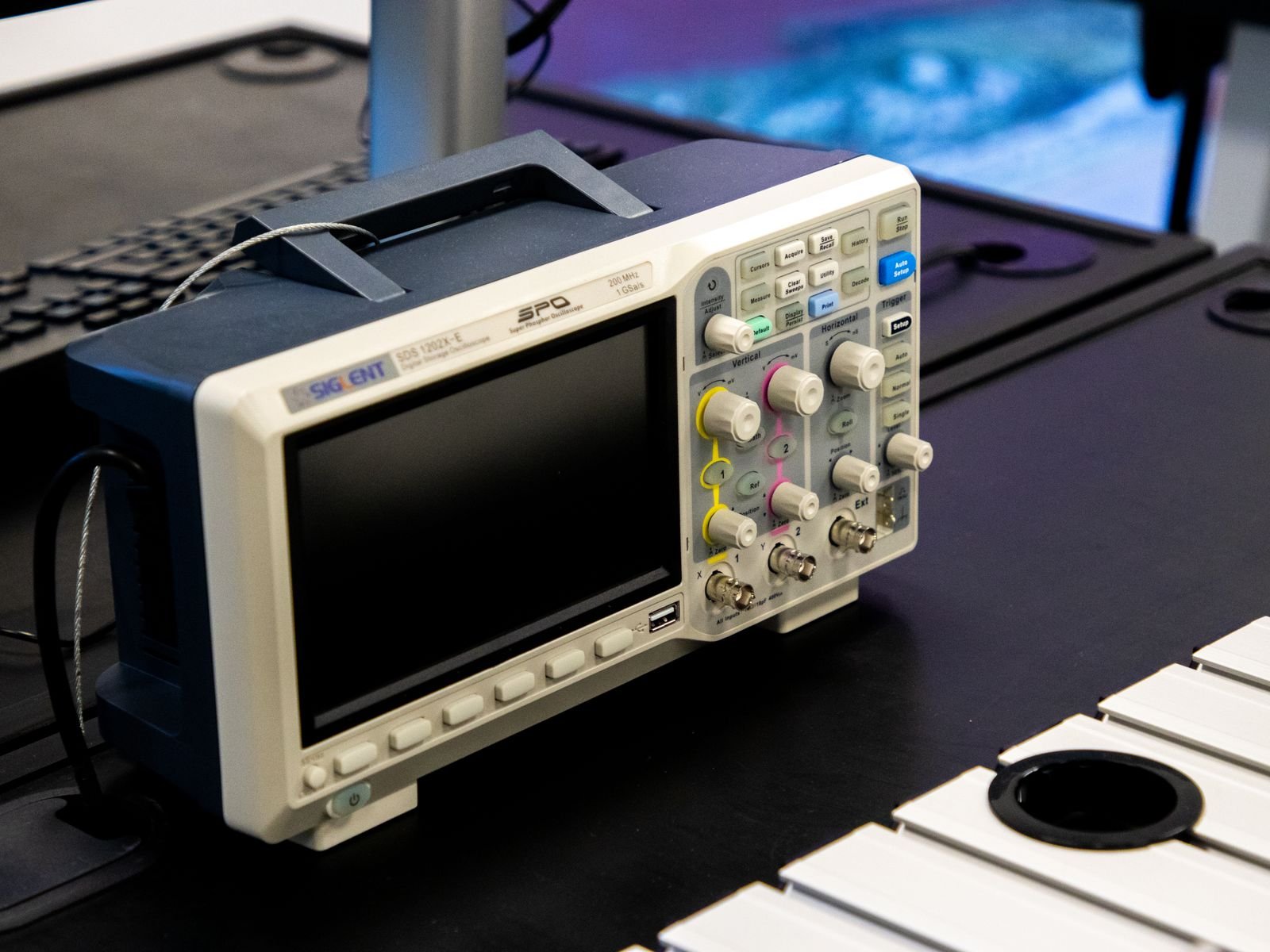
A digital multimeter may average a repeating VCC ramp into a believable but misleading number. Capture the startup waveform with an isolated or appropriately referenced oscilloscope method. Check the auxiliary winding rectifier, series resistor, VCC capacitor, clamp device, winding continuity, and solder joints. Small electrolytics in this location often lose capacitance or develop high ESR without visible swelling.
Texas Instruments documents the same basic mechanism in flyback controllers: a resistor path initially charges VDD, while the auxiliary winding later maintains bias. Leakage or insufficient charging current can prevent VDD from reaching the startup threshold, especially as temperature changes. Controller-specific thresholds must come from the actual datasheet.
3. Check the controller conditions before replacing the IC
Stable VCC does not prove that the controller is allowed to switch. Verify the pins that establish its operating state:
Reference output, if the device provides one. A missing 5 V reference on a controller that should have one can indicate a shorted external load or a damaged IC.
Enable, brownout, and undervoltage inputs. An out-of-range divider or leaky transistor can hold the supply off.
Oscillator components on controllers that use external RT/CT timing.
Current-sense, overvoltage, and thermal protection pins. Contamination, a damaged clamp, or a shifted resistor can cross the trip threshold before normal switching begins.
Do not apply a generic voltage expectation to an unfamiliar pin. Compare every reading with the exact controller datasheet, including startup sequencing and latch-reset behavior. Some faults clear only after VCC falls below the reset threshold; a quick off-on cycle may leave enough charge to keep the latch set.
4. Determine whether gate drive reaches the primary MOSFET
If the controller is active, measure the gate-to-source waveform with a safe differential or isolated method appropriate for the primary side. Probe between gate and source, not gate and an assumed ground elsewhere on the board.
No gate waveform moves the investigation back toward the controller, enable state, driver components, or protection. A waveform at the controller output but not at the MOSFET gate points to an open gate resistor, damaged buffer, broken trace, poor solder joint, or failed gate clamp. A normal-looking gate command with no energy transfer suggests a failed MOSFET, open primary winding, broken current path, or test condition that prevents drain-bus energy from reaching the transformer.
Power off, discharge, and test the MOSFET for drain-source or gate-source shorts. If a primary MOSFET failed violently, do not replace it alone. Check the gate network, current-sense resistor, snubber or clamp, rectifier, transformer, and controller. Otherwise the replacement may fail at the next startup.
5. Verify transformer and secondary energy transfer
Once primary switching is confirmed, determine whether voltage appears at the secondary winding. Use probing suitable for a high-frequency switching waveform; a basic meter in AC mode may not report a meaningful value.
If the secondary winding has a waveform but the DC output remains at 0 V, check the output rectifier, synchronous rectifier circuit if fitted, output capacitor, series choke or ferrite bead, connector, copper trace, and solder joints. A shorted rectifier or capacitor can pull the rail down and trigger hiccup protection. An open rectifier or cracked winding connection prevents the rail from charging.
Use the correct replacement technology. A standard 50/60 Hz rectifier diode is generally unsuitable where the design specifies a Schottky or ultrafast device. Match reverse-voltage rating, forward-current rating, recovery behavior, package, and thermal conditions.
6. Separate feedback faults from legitimate protection
Many isolated supplies use a TL431-type shunt regulator and optocoupler. Faults in the divider, reference device, optocoupler, compensation network, or bias path can command the wrong duty cycle or trigger a protection response. A brief output overshoot followed by shutdown makes this area worth checking, but the exact fail-safe behavior depends on the controller.
Avoid the common assumption that an open optocoupler must always produce 0 V. In many topologies, lost feedback initially drives duty cycle upward, so overvoltage protection stops the converter. Other controllers enter a dedicated fault state. Measure the output during the first milliseconds, review the feedback polarity, and follow the datasheet's fault table.
For suspected overcurrent, inspect the current-sense resistor and its Kelvin path, RC filter, leading-edge blanking network, and controller CS pin. A higher-than-intended shunt value, a cracked ground path, or coupled switching noise can create a false current-limit signal. Genuine current limiting, however, may come from a shorted output, saturated transformer, wrong replacement MOSFET, or excessive load.
Symptom-to-measurement troubleshooting matrix
| Symptom | Most useful measurement | Likely fault region | Practical next action |
|---|---|---|---|
| Fuse opens at power-on | De-energized resistance across bridge, bus, and MOSFET D-S | Input rectifier, bulk capacitor, MOSFET, primary winding | Isolate sections and find the hard short before applying power again |
| Bus voltage is normal, VCC never rises | VCC voltage and resistance from bus to startup network | Startup resistors, VCC clamp/capacitor, controller supply return | Measure resistor chain individually and inspect high-voltage solder joints |
| VCC ramps up and down | VCC waveform plus auxiliary winding waveform | Auxiliary rectifier, VCC capacitor, winding polarity/connection, overload | Compare VCC peaks with controller UVLO thresholds; check the handoff path |
| VCC is stable, no gate drive | Reference, enable, oscillator, CS/OVP pins | Disabled or damaged controller, timing components, protection | Verify pin states against the exact datasheet before replacing the IC |
| Gate drive exists, secondary remains dead | MOSFET VGS/VDS and secondary winding waveform | MOSFET power path, transformer, secondary rectifier | Confirm primary current and then trace energy across the transformer |
| Output flashes high, then shuts down | Output startup waveform, feedback current, OVP pin | TL431/opto loop, divider, auxiliary sensing, OVP | Check feedback polarity and divider values; look for overshoot or ringing |
| Starts unloaded, fails under load | Output current, VCC, CS signal, bus sag | Weak bias supply, excessive ESR, current limit, transformer saturation, real overload | Increase load gradually and record the first quantity that crosses a limit |
| Supply runs alone but not in the machine | Load-side resistance and inrush/current profile | Shorted load, excessive capacitive load, wiring error | Test with a controlled electronic or resistive load and inspect system wiring |
A bench sequence that minimizes rework
Use this order as a working checklist. Stop whenever a measurement disproves the assumption required for the next step.
1. Identify the topology, controller, ratings, isolation boundary, and known service history.
2. Disconnect power, discharge the bus, verify it is discharged, and inspect the board.
3. Perform resistance checks for hard shorts at the input, bus, MOSFET, and output.
4. Disconnect the downstream load where the equipment design allows it.
5. Apply power through a protected, current-limited setup and confirm the rectified bus.
6. Capture PWM-controller VCC from initial charging through steady state or shutdown.
7. If VCC is valid, check reference, enable, oscillator, and protection inputs.
8. Measure gate-to-source drive safely, then determine whether the primary switches current.
9. Check secondary winding activity, rectification, filtering, and output continuity.
10. Inspect feedback and protection only after power flow has been established far enough to make their signals meaningful.
11. Test first with a controlled load, then at low line, high line, hot, cold, and expected load transitions as required by the product specification.
Frequent diagnostic traps
Trusting capacitor appearance
VCC and output electrolytics can fail electrically while looking normal. Measure capacitance and ESR out of circuit where appropriate, or substitute a correctly rated known-good part during a controlled diagnosis.
Measuring a switching node with the wrong reference
An earth-grounded probe can short the live primary and damage the supply, instrument, or operator. Use a rated differential probe, isolated instrument, or a test method approved for the bench setup. An isolation transformer does not make every probing configuration safe by itself.
Replacing the fuse and trying again
A fuse is evidence. Soot or a shattered element suggests a high fault current, while a clean open element can be consistent with overload or inrush. Either case needs diagnosis. Increasing the fuse rating removes protection and can turn a repairable board into a carbonized one.
Assuming the supply is faulty because the machine is dead
Disconnect the load if the product architecture permits it and test with a controlled load. Shorted wiring, reversed connectors, failed downstream converters, and excessive capacitive inrush can all hold a good supply in protection.
Declaring success after an unloaded startup
A supply that reaches its nominal voltage for thirty seconds is not necessarily repaired. Verify regulation, ripple, current limit, thermal behavior, repeated starts, and startup at the input-voltage extremes relevant to the product. Confirm that the replaced part addressed the cause, not only the first visible casualty.
What equipment teams should document after the repair
For production equipment and field service, the repair record should include the symptom class, input condition, bus voltage, VCC startup trace, protection state, failed component, causal component if different, load used for verification, and final test limits. This creates useful failure data for future component derating, supplier review, and preventive maintenance.
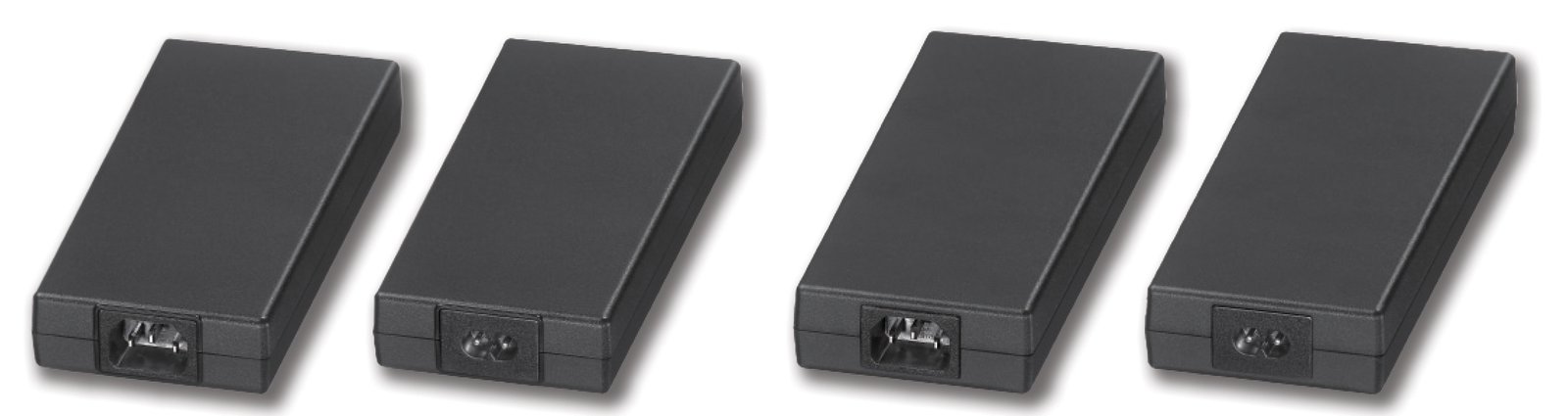
For buyers evaluating an industrial power supply, ask whether the supplier can explain startup margin, protection recovery, burn-in coverage, component derating, and traceability. A repair-friendly design also provides safe test points, readable reference designators, controller documentation, and enough clearance to probe without improvisation.
Final diagnosis rule
Treat “no output” as a loss of energy flow, not as a single fault. Find the last stage where the expected voltage or waveform is present, then test the next stage. In most cases, that boundary leads to a small group of components and prevents unnecessary replacement.
If repeated startup faults are appearing in a machine family rather than a single damaged unit, SIPURUI can help review input range, load behavior, protection requirements, environmental conditions, and power-supply selection before the next build.